Zte Blade A55 Frp Bypass May 2026

The most unique multiplayer fishing adventure


The most unique multiplayer fishing adventure
Dial 112 and tap call. While the call is active, look for the Maps icon or wait for your location to appear on the screen.
When the phone asks for the SIM PIN, enter it and then immediately lock and unlock the screen. Look for a Settings/Gear icon or a notification that allows you to access system settings. zte blade a55 frp bypass
ZTE Blade A55 FRP Bypass: Step-by-Step Guide for Android 14 If you have performed a hard reset on your (model Z2450) and are now stuck on the "Verify your account" screen, you are dealing with Factory Reset Protection (FRP) . This security feature, common in Android 14 devices, ensures that only the original owner can access the phone after a factory wipe. Dial 112 and tap call
Insert a SIM card that has a PIN lock enabled. Look for a Settings/Gear icon or a notification
In the browser, search for "FRP Bypass" websites or directly search for "Settings" to open the device's system menu.
In Google Maps, search for any local business, tap "Share," and then select the Google Search app or Chrome .
The Mystery Below
The surface looks peaceful. But beneath the calm waters, ancient creatures stir. Sea serpents, leviathans, megalodon — creatures that shouldn't exist are waiting to be discovered. Do you dare cast your line?
From tropical reefs to volcanic caves — every location tells a story
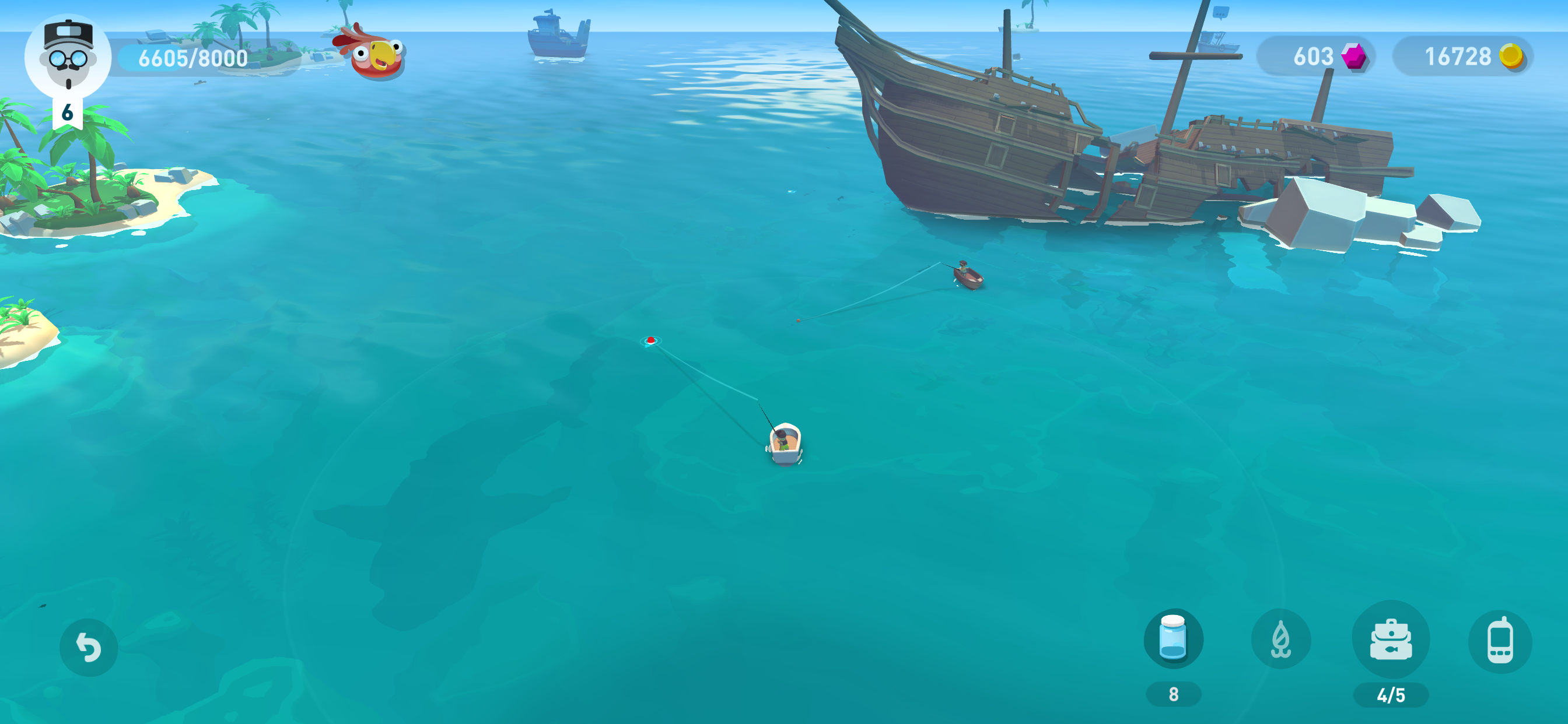

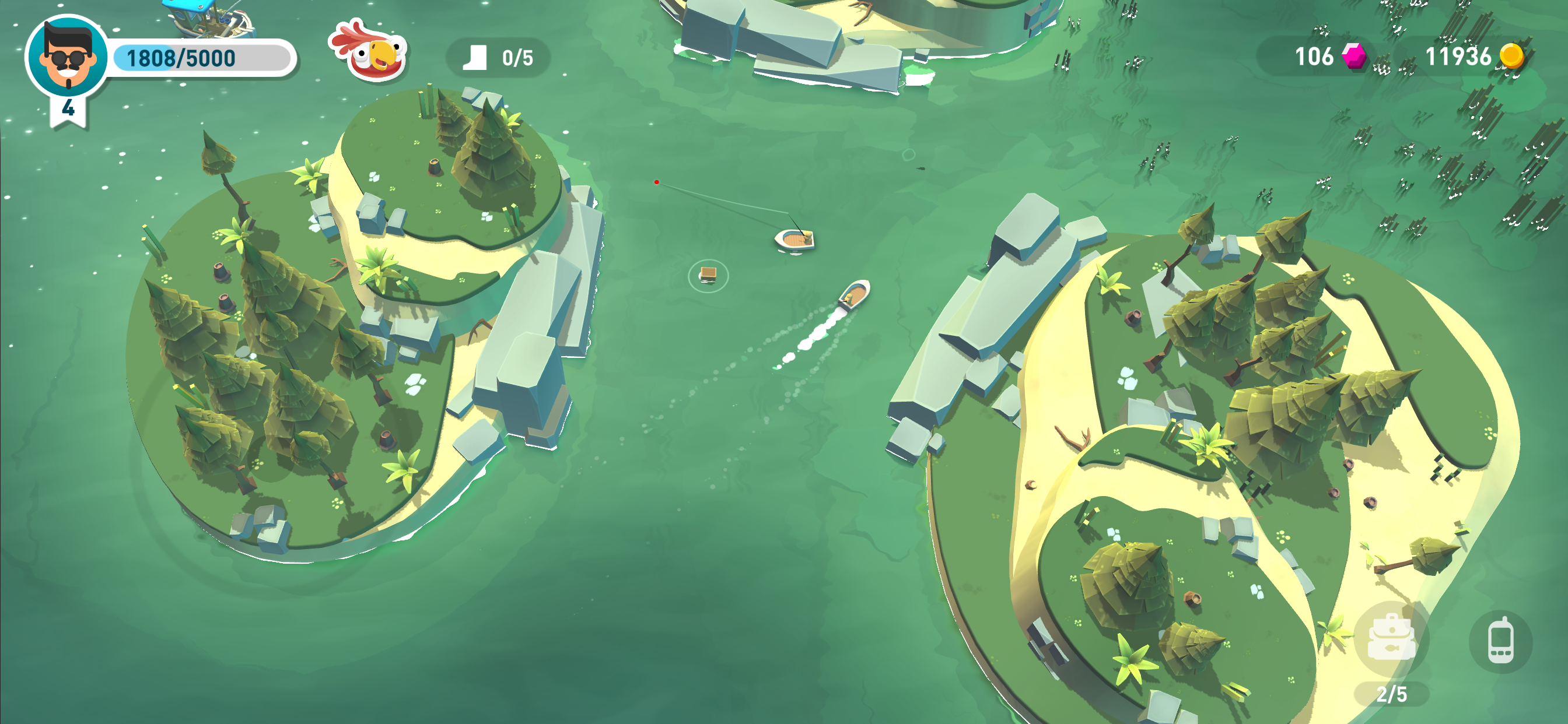





Dive into the depths — catch, explore, conquer
Dial 112 and tap call. While the call is active, look for the Maps icon or wait for your location to appear on the screen.
When the phone asks for the SIM PIN, enter it and then immediately lock and unlock the screen. Look for a Settings/Gear icon or a notification that allows you to access system settings.
ZTE Blade A55 FRP Bypass: Step-by-Step Guide for Android 14 If you have performed a hard reset on your (model Z2450) and are now stuck on the "Verify your account" screen, you are dealing with Factory Reset Protection (FRP) . This security feature, common in Android 14 devices, ensures that only the original owner can access the phone after a factory wipe.
Insert a SIM card that has a PIN lock enabled.
In the browser, search for "FRP Bypass" websites or directly search for "Settings" to open the device's system menu.
In Google Maps, search for any local business, tap "Share," and then select the Google Search app or Chrome .
Download free on iOS & Android