
Invoices Processed Per Year
Transactions Processed Per Year
Runs On Marg ERP Software
Businesses Served Worldwide
Sales & Support Centers
Sales & Service Professionals

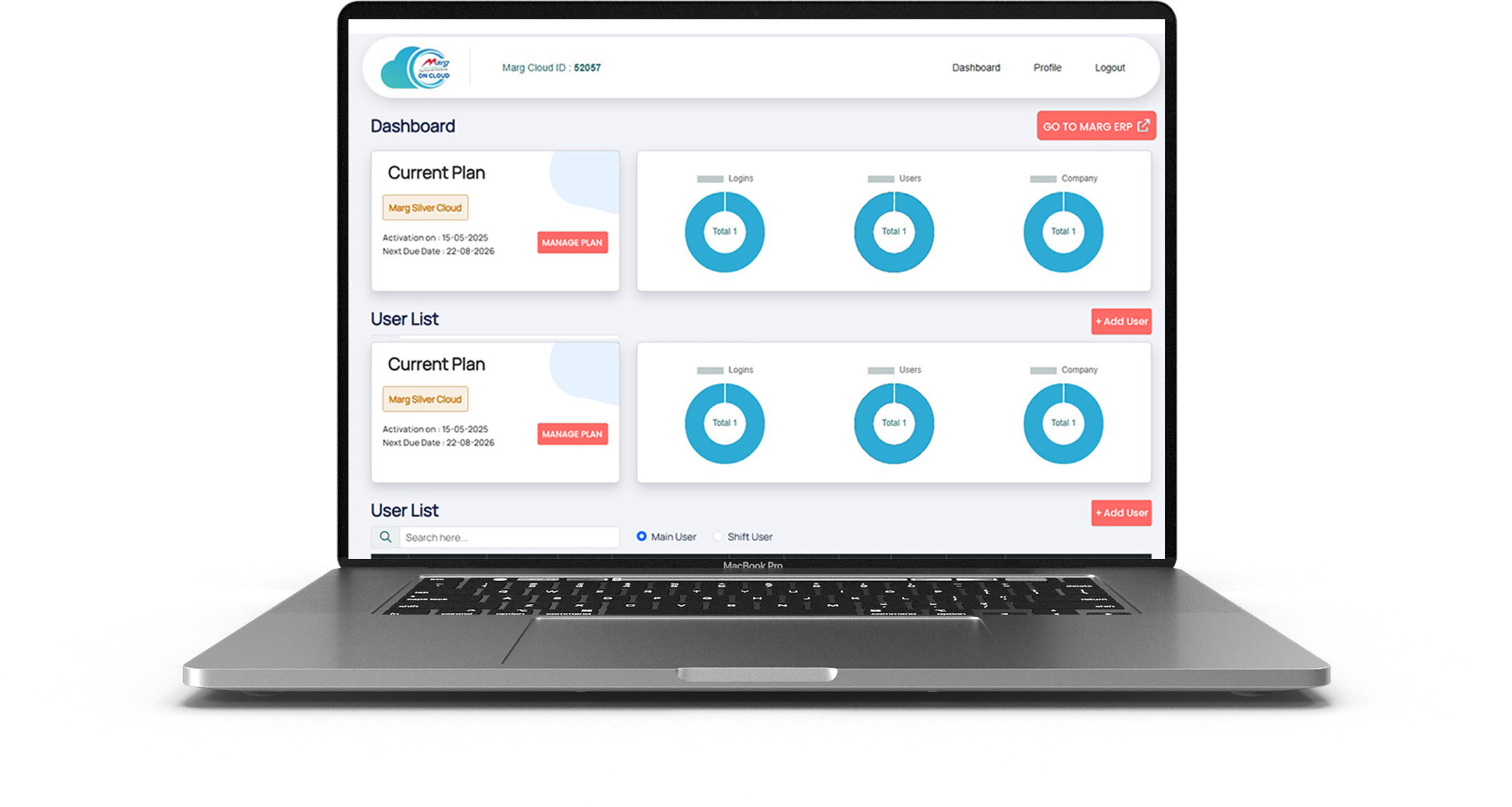
With Marg Cloud, access all users and branch locations on a single platform. Your team can log in from anywhere and work on the same data in real time, ensuring smooth coordination, faster decisions, and uninterrupted business operations.

Your data stays protected with Azure’s advanced security and default encryption. With controlled user access, separate passwords, and automatic backups, you can eliminate risks of data loss or theft and stay worry-free.

Marg Cloud gives you full access to all Marg ERP features through any browser. Create invoices, file GST returns, and view reports anytime while managing your entire business with better visibility and flexibility.

Protect your business data with strong security controls. Block unauthorised IP access, prevent unknown logins, and ensure secure remote access with authentication.

Continue using your existing dot-matrix printers even when running Marg ERP in the cloud. Print invoices instantly without changing your billing setup.

Access Marg ERP from laptop, desktop, tablet, or mobile. Monitor sales, stock, and reports anytime from office, home, or while travelling.

Print invoices instantly without preview delays. Perfect for high-volume billing counters where speed and efficiency matter.

Built on Microsoft Azure infrastructure with up to 99% uptime, ensuring smooth performance and uninterrupted access to your business data.

Enjoy 28 automatic backups with daily scheduling. Your data remains safe from loss, theft, or system failures.
Marg ERP offers innovative and beneficial features that are easy to understand, making it the perfect fit for all types of businesses to boost overall business profitability. Take your business to new heights of success by watching Marg ERP videos and experiencing the difference it can make.
Book Demo
Run your business securely, efficiently, and from anywhere with Marg ERP Cloud.

Access your Marg ERP system from office, home, or while travelling with secure cloud login.

Your business data stays protected with secure servers, authentication controls, and access monitoring.

Run your ERP on cloud without investing in local servers, IT infrastructure, or maintenance.

Your data is automatically backed up on cloud servers, ensuring zero risk of data loss.


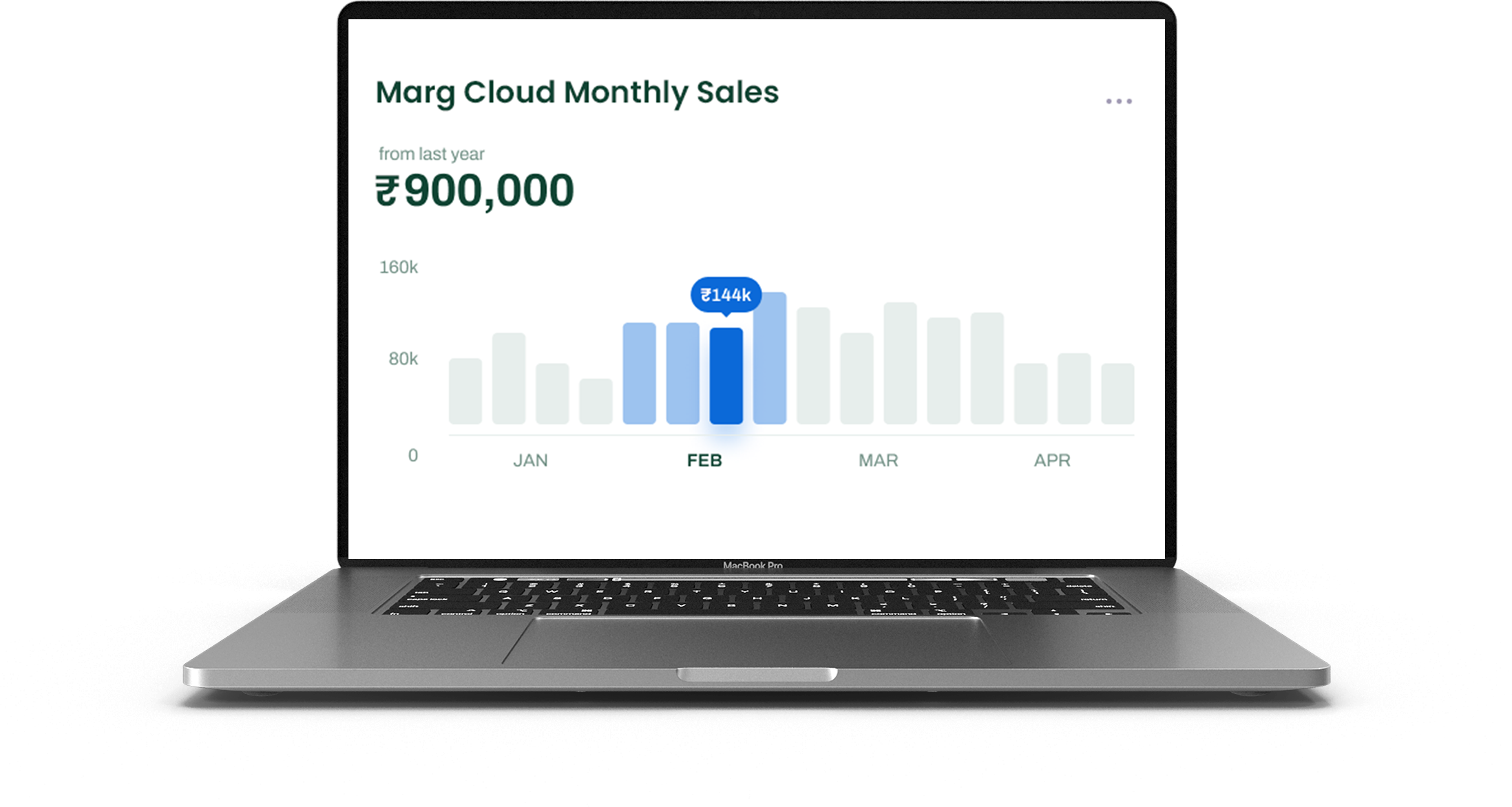
Get live sales, stock, and financial reports anytime to make better business decisions.

Experience smooth billing, quick report generation, and fast software performance on cloud.

Allow multiple team members to work simultaneously with role-based permissions.

Whether you run a retail store, distribution business, or multi-branch enterprise, Marg Cloud grows with you.



Since Tacteing is a symbol font, you don't "type" with it in the traditional sense. Instead, each keystroke on your keyboard corresponds to a specific decorative icon. 1. The "Copy and Paste" Method
Set your font to Tacteing and type a string of characters (like "aaaaaaaa") to create a repeating border pattern.
Many users look for a way to "copy and paste" these symbols because they don't have the keyboard map memorized. To do this "better," follow these steps:
For high-quality documents, follow the standard installation and usage path:
The Ultimate Guide to the Tacteing Font: Elevate Your Documents with Traditional Khmer Flair
On Windows, open the Character Map application, select "Tacteing" from the font list, and you can visually browse and copy exactly the symbol you need.
While traditional Tacteing is a symbol font mapped to standard keys, modern online font generators can sometimes help you find similar aesthetic Unicode characters that work across more platforms. 2. Professional Implementation in Microsoft Word
If you’ve seen intricate, traditional Khmer borders or elegant decorative underlines in formal Cambodian invitations, you’ve likely encountered the . Translated as "decoration" in Khmer, this symbol-based font is a staple for anyone looking to add authentic cultural aesthetics to their digital documents.
Created by Om Mony in 1991, the is a specialized TrueType font (.TTF) designed to preserve and promote Khmer heritage through digital art. Unlike standard alphabetic fonts, Tacteing is a symbol font consisting of 256 unique characters. These include: Traditional Khmer patterns and shapes. Floral motifs and animal symbols. Religious icons and formal document decorations. How to Use Tacteing Symbols Effectively
Whether you are designing a wedding invitation or a formal administrative document, mastering how to find, install, and "copy and paste" these symbols better will significantly improve your workflow. What is the Tacteing Font?
Complete Feature Comparison Chart CLOUD CAPABILITIES
| Feature | Marg ERP Cloud | Other Cloud ERP |
|---|---|---|
| Cloud Capabilities | ||
| Quick Access, Seamless Experience Tablet, Mobile & Web (Anywhere) | Yes | No |
| Multi-User Access | Yes | Yes |
| Auto Backup & Security | Azure Backup | Backup on normal server |
| System-Wise IP Blocking for Unauthorized Access | Yes | No |
| No Need to Maintain Separate Server | Yes | No |
| Printing | ||
| Direct Printing | Yes | No |
| DMP Bill Printing | Yes | No |
| Customization & Integration | ||
| User Role Management | Yes | Yes |
| Performance & Security | ||
| Fast & Reliable Performance | Yes | Yes |
| Encrypted Data Protection | Yes | Yes |
| Customer Support | ||
| 24/7 Dedicated Support | Yes | No |
| Training Resources & Onboarding | Yes | Yes |
Since Tacteing is a symbol font, you don't "type" with it in the traditional sense. Instead, each keystroke on your keyboard corresponds to a specific decorative icon. 1. The "Copy and Paste" Method
Set your font to Tacteing and type a string of characters (like "aaaaaaaa") to create a repeating border pattern.
Many users look for a way to "copy and paste" these symbols because they don't have the keyboard map memorized. To do this "better," follow these steps:
For high-quality documents, follow the standard installation and usage path:
The Ultimate Guide to the Tacteing Font: Elevate Your Documents with Traditional Khmer Flair
On Windows, open the Character Map application, select "Tacteing" from the font list, and you can visually browse and copy exactly the symbol you need.
While traditional Tacteing is a symbol font mapped to standard keys, modern online font generators can sometimes help you find similar aesthetic Unicode characters that work across more platforms. 2. Professional Implementation in Microsoft Word
If you’ve seen intricate, traditional Khmer borders or elegant decorative underlines in formal Cambodian invitations, you’ve likely encountered the . Translated as "decoration" in Khmer, this symbol-based font is a staple for anyone looking to add authentic cultural aesthetics to their digital documents.
Created by Om Mony in 1991, the is a specialized TrueType font (.TTF) designed to preserve and promote Khmer heritage through digital art. Unlike standard alphabetic fonts, Tacteing is a symbol font consisting of 256 unique characters. These include: Traditional Khmer patterns and shapes. Floral motifs and animal symbols. Religious icons and formal document decorations. How to Use Tacteing Symbols Effectively
Whether you are designing a wedding invitation or a formal administrative document, mastering how to find, install, and "copy and paste" these symbols better will significantly improve your workflow. What is the Tacteing Font?

%!s(int=2026) © %!d(string=Noble Fresh Dawn)
©2026 | All Right Reserved by Margcloud & Powered by Marg ERP Ltd.