Unleash your creativity. Edit the raw saved data of your worlds in NBT format.
Experience where it counts. Hands down the most robust NBT editor ever made. Combining 8+ years of NBT editor development experience into one streamlined app.
Stunning UI & UX. Single-click edits, change highlighting, dark theme, full keyboard control, and so much more make this the best place to edit.
Used in-house. Did you know we use this very NBT editor to develop and maintain the converter's database? Proving we stand behind it 100%!
This NBT editor is the first of it's kind to include undo & redo. Finally, you can undo mistakes during editing.
Every edit is tracked with color-coded highlighting to indicate the changes or additions.
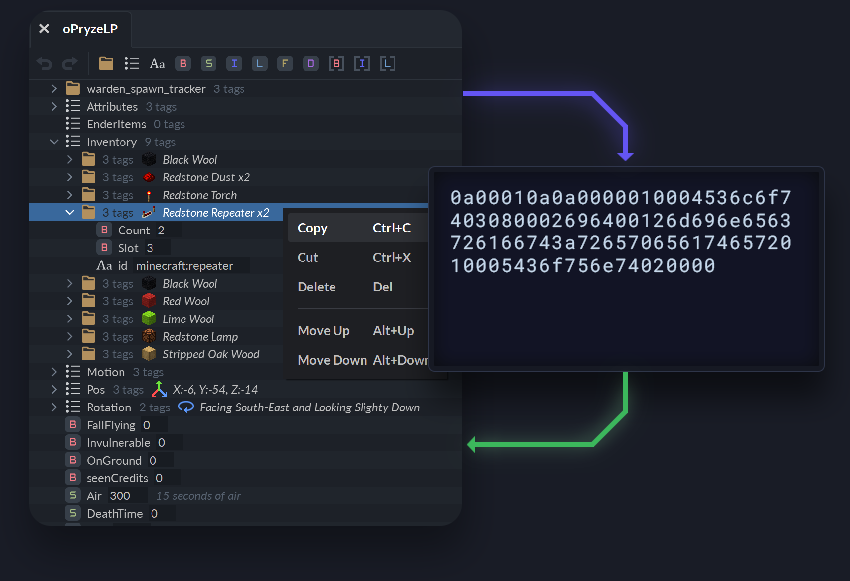
Easily share your NBT creations with the community by simply copying and pasting the data as raw text.
Now featuring the ability to copy and paste multiple tags even if they don't share the same parent tag!
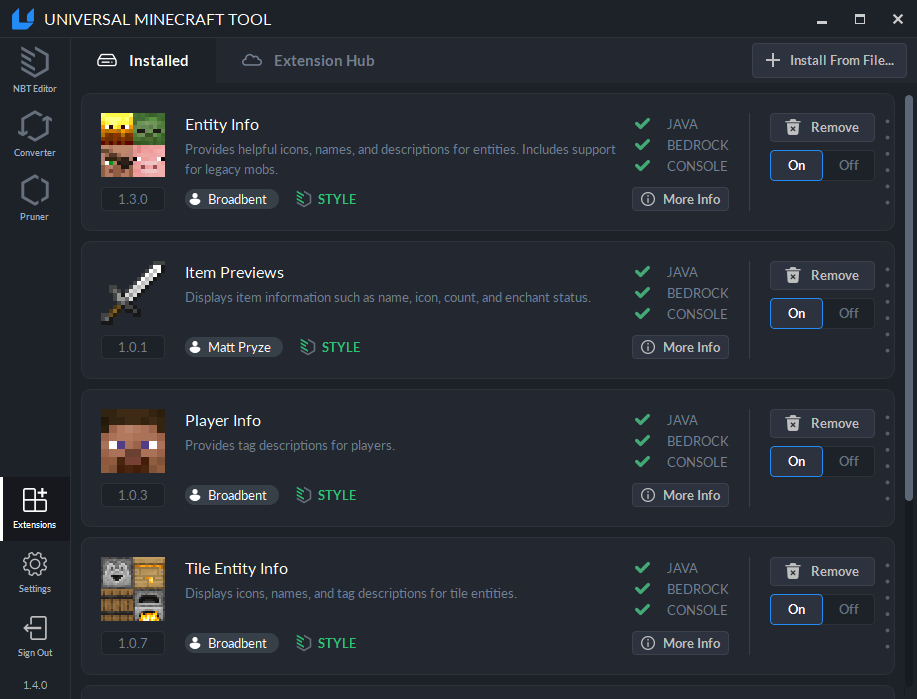
The community can now develop extensions that change the look of NBT tags within the editor. The extensions can process the data you're viewing and style them to add useful information to aid with editing.
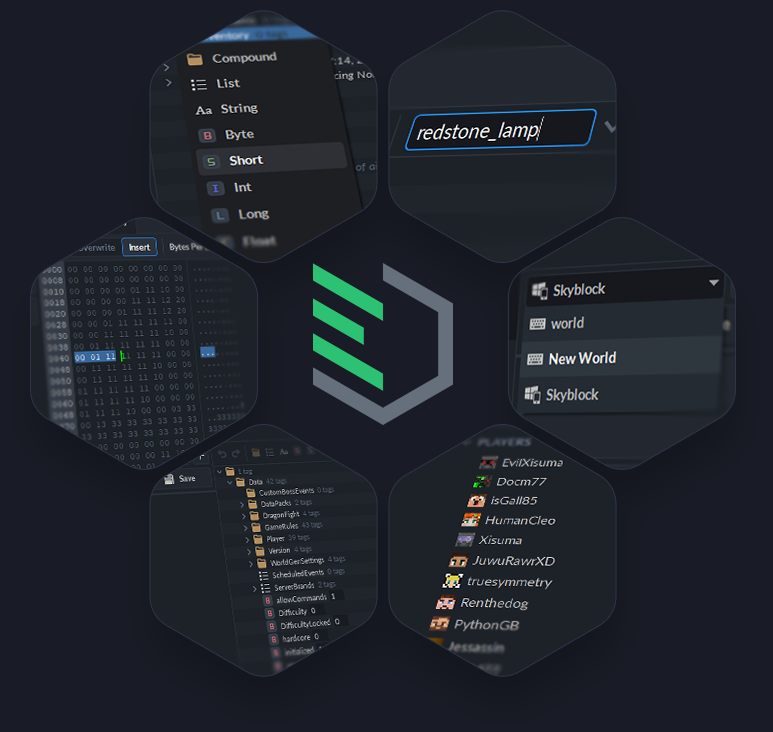
There are so many great subtle features that enhance the editing experience. Here are a few more you should know about:
Several tools and methods exist to recover or bypass these passwords:
Your file is temporarily stored on their server (typically for 10 minutes).
Some developers use VI Server calls to iterate through possible password strings programmatically. Official Recommendations for Lost Passwords online labview vi password recovery tool
LabVIEW does not use strong encryption for password protection. Instead, it relies on and salt stored within the VI file. This design allows LabVIEW to recompile the VI without needing the password, but it also means the protection is relatively weak—often described by developers as having the "protection of tissue paper". Notable Recovery and Removal Tools
For those who prefer a local solution, the VI-Hacker tool on GitHub can unlock password-protected VIs and allow you to preview the block diagram content without modifying the original file. Several tools and methods exist to recover or
Losing access to a LabVIEW Virtual Instrument (VI) because of a forgotten password can halt productivity, especially when legacy code needs urgent updates. While there are a few and downloadable utilities, it is important to understand how they work and the security implications involved. How LabVIEW VI Password Protection Works
The most prominent online resource is available at hmilch.net . It allows users to upload a VI and either remove the protection or set a new password. It works by identifying the password hash and replacing it. Instead, it relies on and salt stored within the VI file
National Instruments (NI) does not provide a service to unlock password-protected code. If you have lost a password, NI recommends the following steps: LabView VI File Format
Let the Universal Minecraft Tool simplify your life. Accomplish your tasks now.
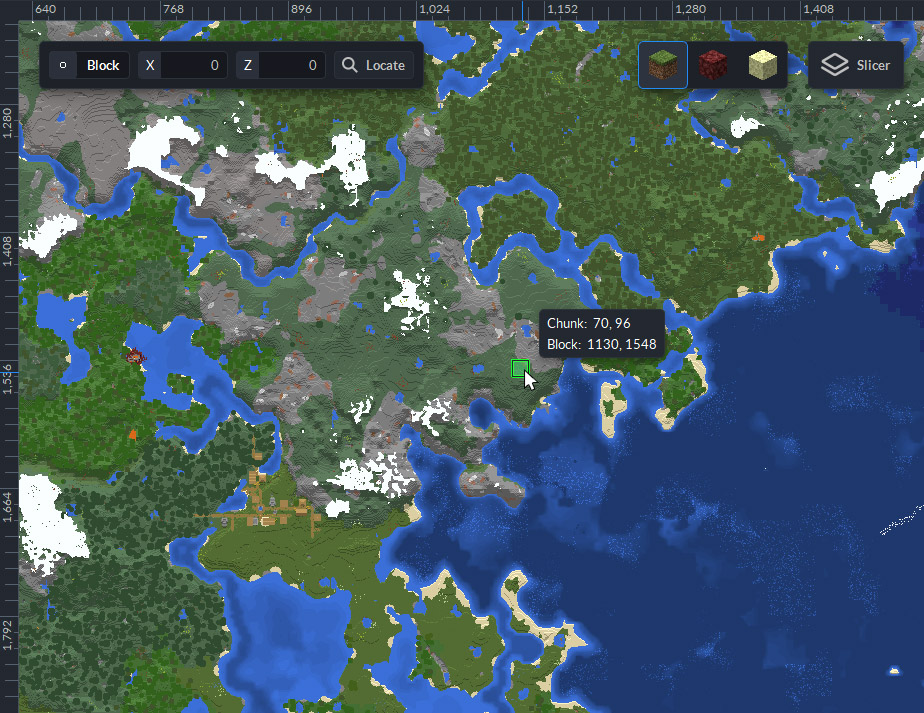
Visual Chunk Locator
Quickly find chunks using the world viewer. Each block is rendered according to it's original block model to generate extremely accurate depictions of your world.