Pricing
Individual Usage:
Free Version
Start using for free, No card needed
Personal Lifetime
One-time payment, lifetime access
Features
Any direction:
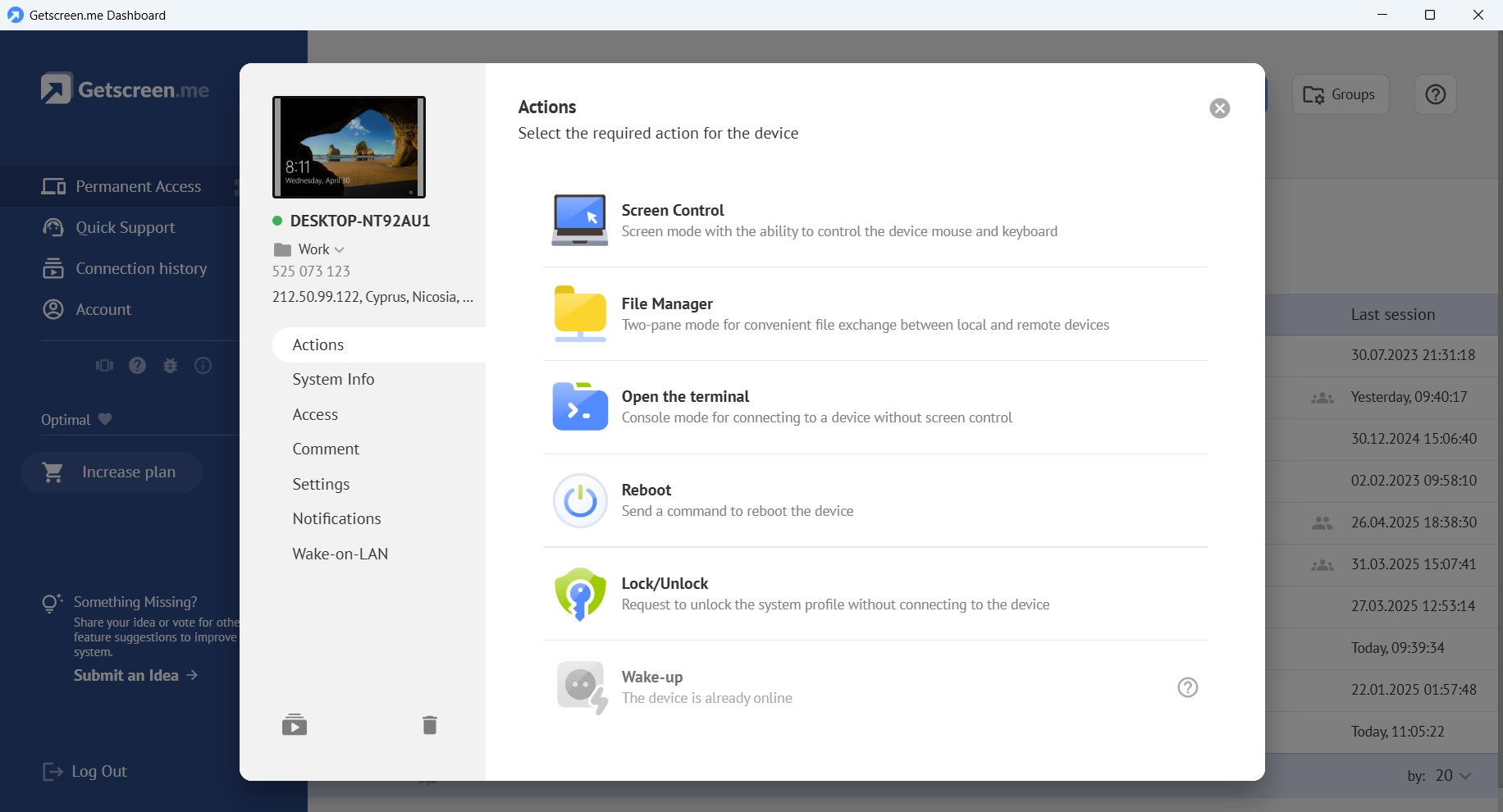
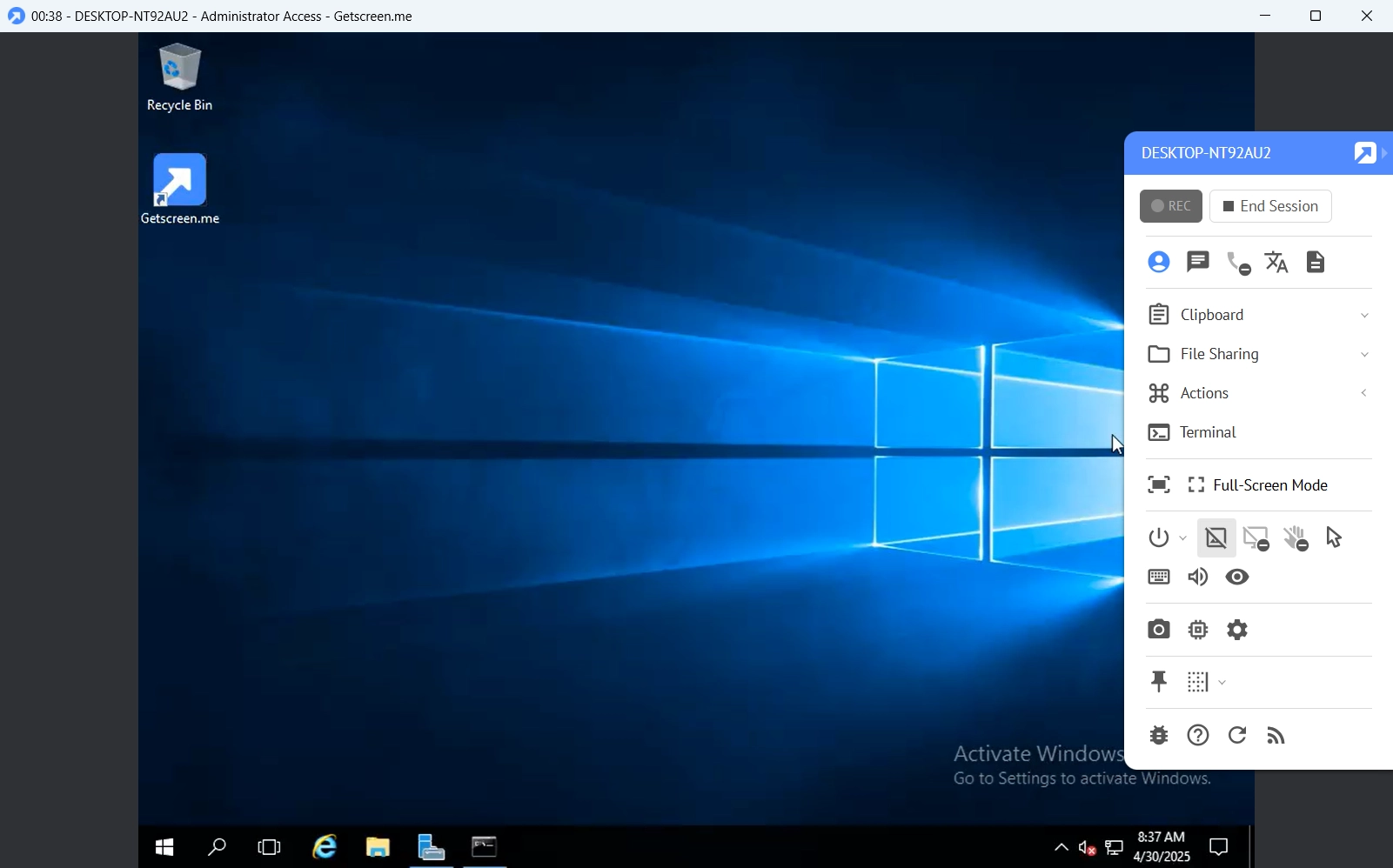
Remote Device Control
Remote Connection Control Panel - Empower Your Remote Desktop Experience
Screen Sharing
Easy-to-use Screen Share Software to Display in Any Browser
Something Missing?
Share your idea or vote for other feature suggestions to improve the system
Submit an IdeaAny type of service:
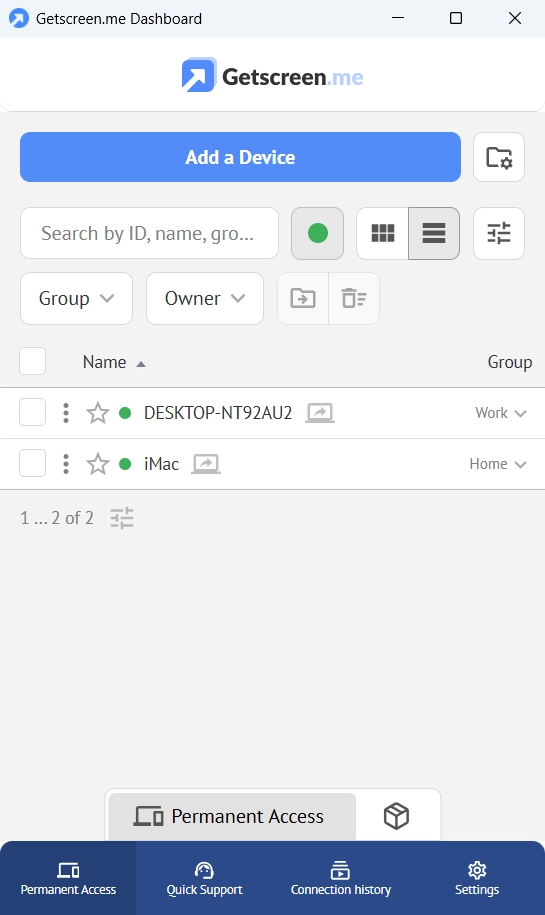
Permanent Access
Permanent Remote Access - Boost your remote IT management
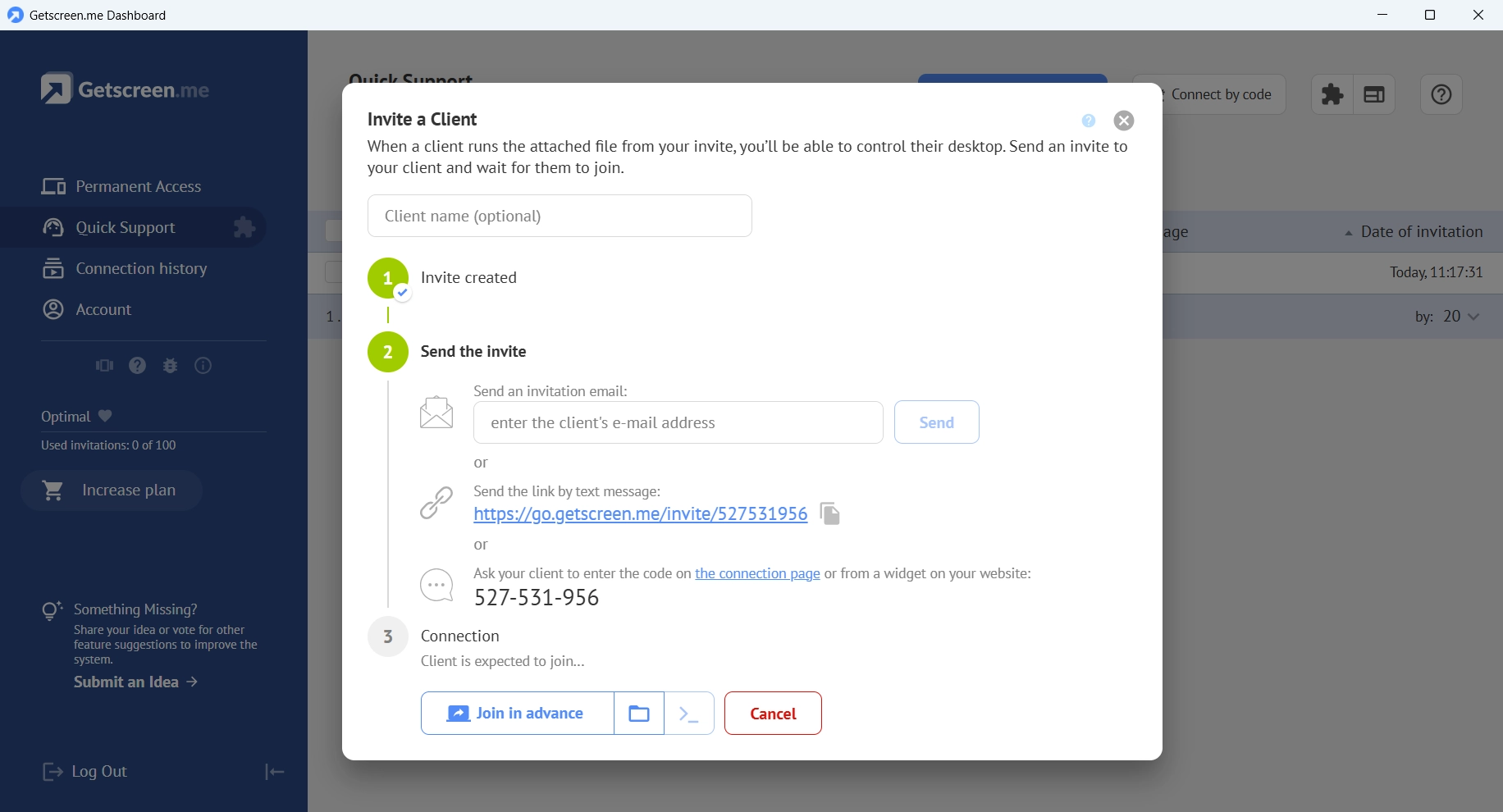
Quick Support
Fast Remote Support with Our Seamless Desktop Software!
Essential options:
Terminal Mode
Run scripts, manage systems, and fix issues remotely — without interrupting users.
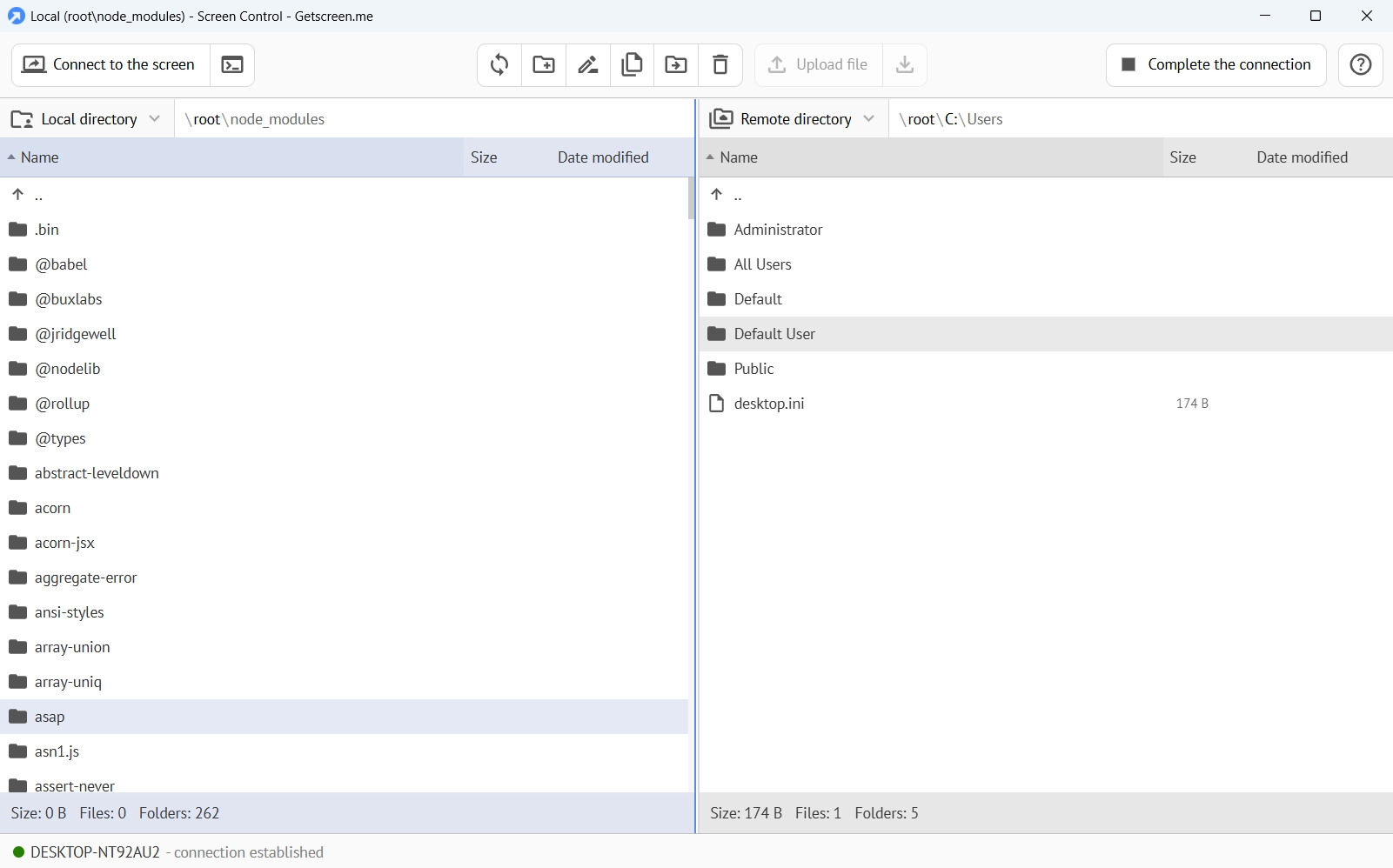
File Transfer
Easy File Management: Boost Your Remote Work with Hassle-Free Transfers
Branding
Elevate Your Brand: Customizing Remote Desktop for Trust and Identity
Mobile Support
Remote Desktop for Android - Secure Browser-Based Access
OEM Integration
Secure Embedded Remote Desktop Technology for Integration
Self-Hosted Server
Empower Your Enterprise with Self-Hosted Remote Desktop Software
Solutions
By type of use:
IT Administration
Web-Based Remote Access Solution for Device Management
Remote Support
Remote Desktop Software for Boost Tech Support Efficiency
Remote Work
Effortless Remote Work: All-in-One Remote Desktop Software
Reviews and Awards
Customer evaluations are the best reward for us. Find out the ratings of users with similar interests.
View ReviewsBy size:
Enterprise Business
Enterprise Remote Desktop Software with Secure, Scalable Remote Desktop Solutions
Small Business
User-Friendly Remote Desktop Service for Small Business Tasks
By industry:
Education
Intuitive Remote Desktop Software for Educational Use
AgroTech
User-Friendly Remote Access Service for Agrotechnology Companies
Healthcare
Ultimate Remote Desktop Solution for Healthcare Professionals
Manufacture
Enhance Manufacturing IT Management with Remote Access
Retail
Boost Retail Efficiency with Remote Access Software
Software Development
Boost Software Development with Remote Desktop Software
Integrations
About Us
Company:
Point B Ltd
Vasileiou Vryonidi, 6, Gala Court Chambers, Floor 3, Office 304C, 3095, Limassol, Cyprus
VAT CY10430957Q
Social Networks: